Laptop Water Damage in Dubai | What to Do in the First 30 Minutes
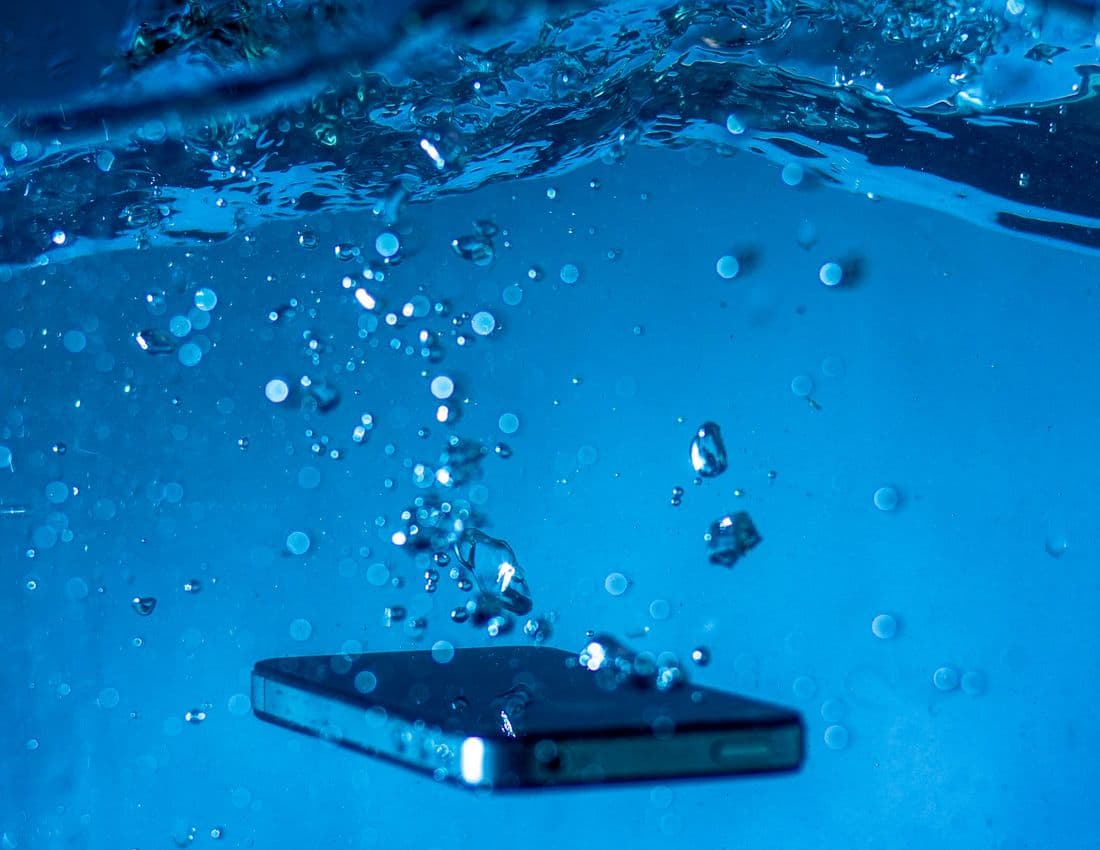
Quick Answer: If you spill water, coffee, tea, or any other liquid on your laptop, turn it off immediately by holding the power button, unplug the charger and any cables, and turn the laptop upside down in a tent shape so liquid drains away from the keyboard instead of further inside. Do not try to turn it back on to check if it still works, and do not use rice or a hairdryer. Bring it in for a professional cleaning within the first 24 hours. The single biggest factor in whether a laptop survives a spill is how fast it gets turned off and brought in, not how much liquid was spilled.
A spilled glass of water, a knocked over coffee cup, or a laptop caught in a sudden downpour is one of the most common emergencies we see in Dubai. Between long hours at cafes, laptops carried between air conditioned offices and the heat outside, and the occasional heavy rain event that catches everyone off guard, liquid damage does not discriminate between an old budget laptop and a brand new MacBook.
What actually decides whether a laptop survives is not the amount of liquid. It is what happens in the first few minutes after it happens, and how quickly it gets professional attention afterward.
Why Liquid Damage Gets Worse the Longer You Wait
Water and electricity do not mix, but the real danger is not the moment of the spill itself. It is what keeps happening afterward if the laptop is left powered on or gets turned back on to check if it still works.
Corrosion starts working immediately
Liquid on a circuit board causes corrosion the moment it makes contact, and that corrosion keeps spreading for as long as the board stays wet and powered. A laptop that seems to work fine right after a spill can develop serious problems days or even weeks later as corrosion slowly eats away at connections that looked fine at first glance.
Sugary and salty liquids are worse than plain water
Coffee, tea, juice, and soft drinks leave behind a sticky, conductive residue as they dry, which continues to cause short circuits long after the liquid itself has evaporated. Salt water, including sweat or drinks with added salt, behaves the same way and is one of the hardest types of liquid damage to fully clean.
Turning it on to test it is the most common mistake
The instinct to press the power button and see if the laptop still works is completely understandable, but it is one of the worst things you can do. If there is still liquid inside, powering the laptop on sends electrical current through wet components, which is exactly what causes permanent short circuits and burned out parts that would have otherwise survived a proper cleaning.
What to Do in the First 30 Minutes After a Spill
Turn it off immediately
Hold the power button down until the laptop fully shuts off. Do not go through a normal shutdown menu, since that keeps the system running for a few extra seconds while liquid may still be spreading.
Unplug everything
Remove the charger, any USB devices, external drives, and peripherals. If the laptop was plugged in when the spill happened, disconnecting the power source stops current from continuing to flow through wet components.
Turn it upside down
Open the laptop into an upside down V or tent shape and let gravity pull liquid away from the keyboard and toward the hinge, rather than letting it settle deeper into the keyboard and motherboard area.
Do not use rice, a hairdryer, or direct heat
Rice does not draw out moisture from inside a laptop the way it might for a phone, and it can leave dust and starch residue behind. A hairdryer or any direct heat source can push liquid further into the device or damage components with heat. Neither replaces a proper internal cleaning.
Get it to a professional as soon as possible
The clock matters more than almost anything else with liquid damage. A laptop brought in within the first 24 hours has a meaningfully better chance of a full recovery than one that sits for a few days while the corrosion spreads on its own.
What Type of Liquid Was It? It Changes the Risk
Not all spills carry the same risk, and knowing what got into the laptop helps set realistic expectations before a proper diagnosis.
| Liquid Type | Risk Level | Why |
|---|---|---|
| Plain water (bottled, filtered, tap) | Lower risk | No sugar or salt residue, cleanest to fully remove |
| Coffee or tea | Medium risk | Sugar and tannins leave sticky, conductive residue |
| Juice or soft drinks | Medium to high risk | High sugar content, often stickier and harder to clean |
| Salt water (sweat, sea spray, some drinks) | High risk | Salt keeps conducting electricity even after drying |
| Rainwater | Medium risk | Usually fine if caught quickly, worse if pooling occurs inside a bag |
Regardless of which category applies, the advice is the same: power off immediately, do not test it, and get it looked at quickly.
What Happens During Professional Water Damage Recovery
A proper water damage service is not just about drying the laptop out. Once liquid has been inside a device, the internal components need to be opened up, inspected, and cleaned at a component level to remove any residue before corrosion has a chance to spread further.
This typically involves fully disassembling the laptop, inspecting the motherboard, keyboard, battery connections, and ports for visible liquid damage or residue, and cleaning affected components with the right tools rather than simply wiping them down. Depending on how long the liquid was in contact with the internals and what type of liquid it was, some components may need replacement if the corrosion has already caused permanent damage.
This is also the point where a technician can tell you honestly whether full recovery is likely, whether only some functions may be affected, or whether the priority should shift toward recovering your data before anything else.
Can You Still Recover Your Files If the Laptop Won't Turn On?
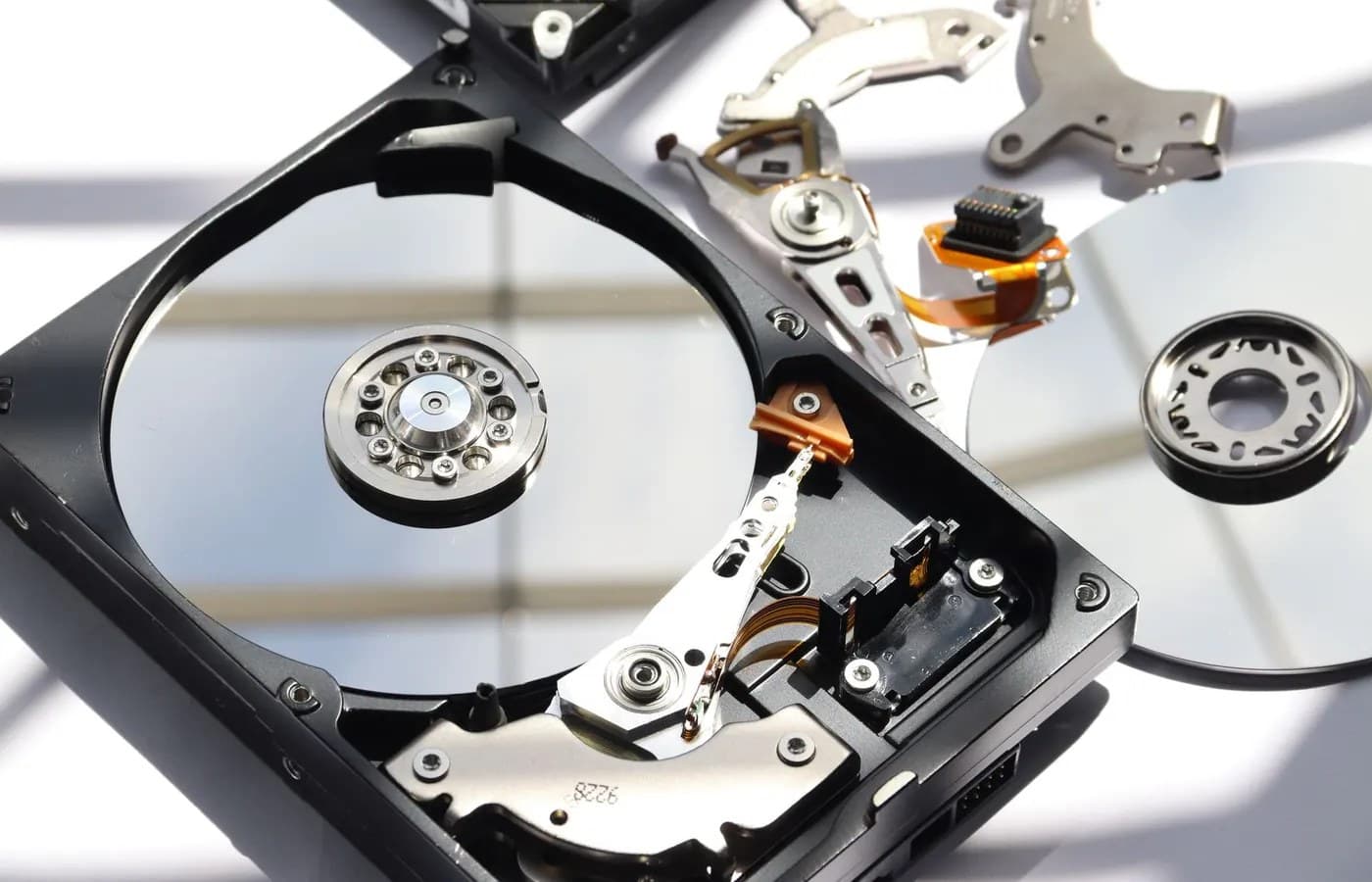
One of the most common worries after a spill is not the laptop itself, it is the files on it. In many cases, even when a laptop will not turn on after liquid damage, the storage drive itself is undamaged, since it sits in a separate, more protected part of the laptop than the motherboard and keyboard.
If the laptop cannot be safely powered back on, the drive can often be removed and connected to another system to recover files without ever risking further damage by trying to boot the affected laptop. This is worth mentioning to your technician specifically if you have work files, coursework, or photos you cannot afford to lose.
Why Fast Action Saves Money, Not Just the Laptop
A laptop brought in within a day of a spill often needs nothing more than a thorough cleaning to fully recover. The same laptop left for a week, powered on repeatedly to check if it still works, can end up needing a new motherboard, a new keyboard, and a new battery, turning a straightforward cleaning into a much larger repair.
Acting quickly is almost always the cheaper outcome, and it is the single biggest thing within your control after a spill has already happened.
What to Expect From NexaFix Water Damage Recovery
NexaFix offers emergency treatment for liquid damaged laptops, including drying, corrosion cleaning, and component level repair, with a free diagnosis so you know exactly what happened inside your laptop and what it will take to fix it before any work begins. Same day service is available for most cases, which matters given how much difference speed makes with liquid damage.
If your laptop has been affected by a spill, spend some time with our water damage recovery service page for more detail on the process. If the internal damage turns out to be more extensive, our hardware repair service covers component level replacement for anything that cannot be cleaned and saved. For anyone worried specifically about their files, our data recovery service can retrieve documents, photos, and project files even from a laptop that will not power on.
Frequently Asked Questions
Is it ever too late to bring in a water damaged laptop?
Not usually. Even laptops that have sat for a few days after a spill can often be cleaned and recovered, though the chances of a full recovery without any component replacement do decrease the longer it waits. It is always worth getting a free diagnosis rather than assuming the worst.
Should I try to dry my laptop with rice overnight?
No. Rice does not effectively pull moisture out of a laptop's internal components the way it might seem to for a phone, and it can introduce dust and starch particles into the laptop instead. Turning it off, unplugging it, and getting it to a professional works far better.
My laptop still turns on after a spill. Do I still need to get it checked?
Yes. Corrosion from liquid residue can take days or weeks to cause visible problems, even if the laptop appears to work normally right after a spill. A professional cleaning now is much cheaper than a repair later once corrosion has spread.
How much does water damage repair cost in Dubai?
Cost depends on how much liquid got inside, what type of liquid it was, and how long it sat before being brought in for cleaning. A same day cleaning with no component damage is on the lower end, while cases needing a new motherboard, keyboard, or battery cost more. A free diagnosis will give you an exact price before any work begins.
Can water damage affect a laptop days after the spill happened?
Yes, this is actually common. Liquid residue left inside a laptop continues to cause corrosion even after the visible liquid has dried, which is why laptops sometimes develop problems like keyboard issues, charging problems, or random shutdowns days after a spill that seemed harmless at the time.
The Bottom Line
A spilled drink does not have to mean a dead laptop, but what you do in the first few minutes matters more than almost anything else that happens afterward. Turn it off, unplug it, do not try to test it, and get it to a professional as quickly as you can. The faster it gets proper attention, the more likely it survives with nothing more than a cleaning.
If you have a laptop that has been exposed to liquid, book a free water damage diagnosis with NexaFix today and find out exactly what is going on inside before the damage has a chance to spread further.